11 trending effects · newest
Make viral videos with trending AI effects
Pick the trend everyone is posting. Add one photo — yours, your dad's, your best friend's. Get back the finished video with them in it, ready for TikTok, Reels and Shorts.
- From $9.99
- One-time payment
- No app
- No watermark
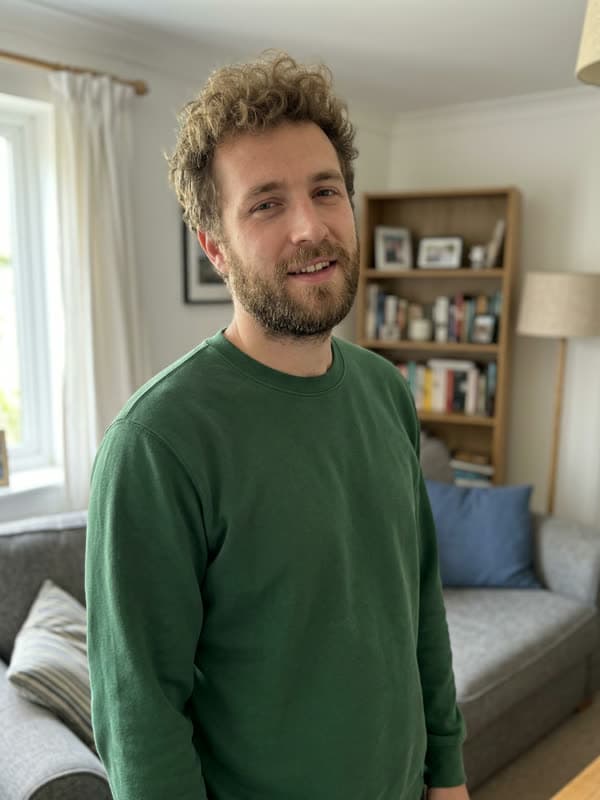
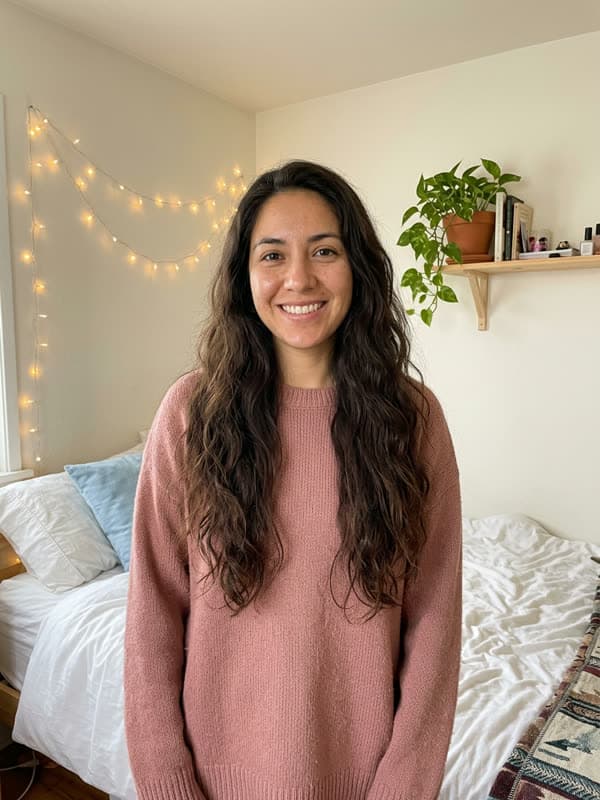
Newest trends
Sample input photos are AI-generated stand-ins, not customer photos. The videos are unedited output.
Trending effects
Every effect is a whole trend, move for move, starring the person in your photo. New ones land as trends break.
- New8 s10 credits
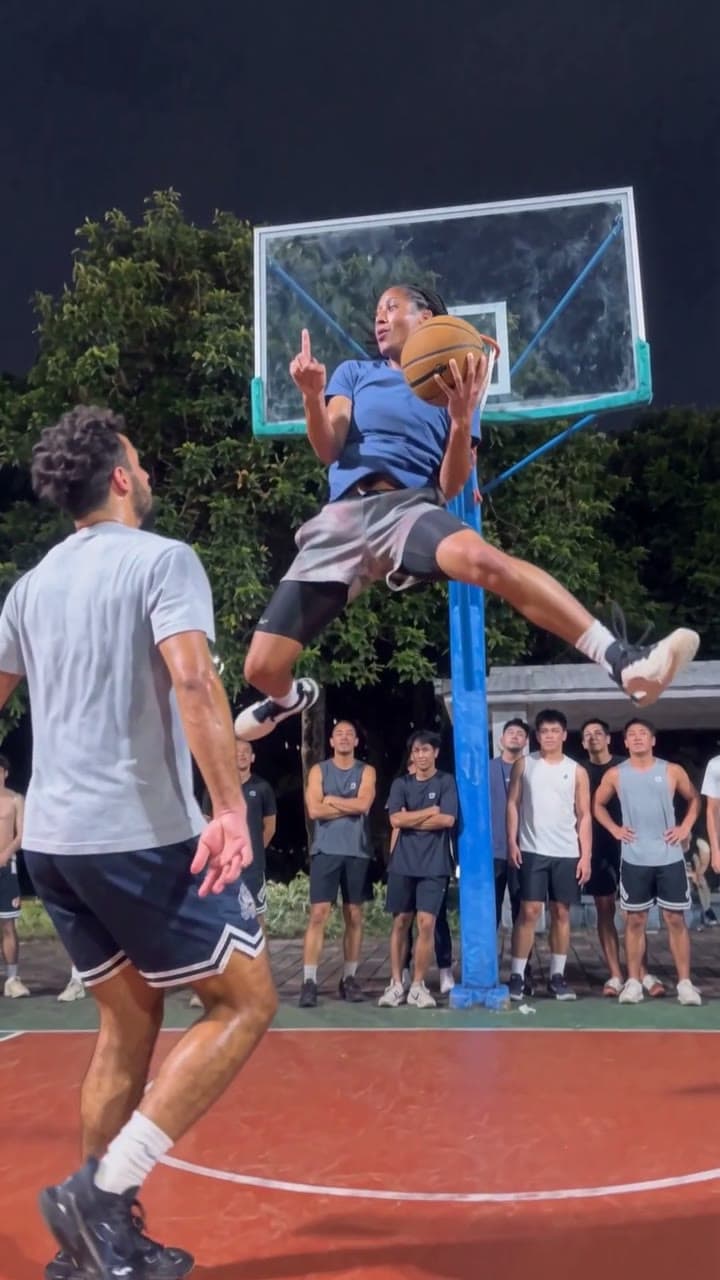
Basketball Middle Finger
Drive the lane, flip off the court mid-air, sink it and walk away.
Use effect → - 9 s10 credits
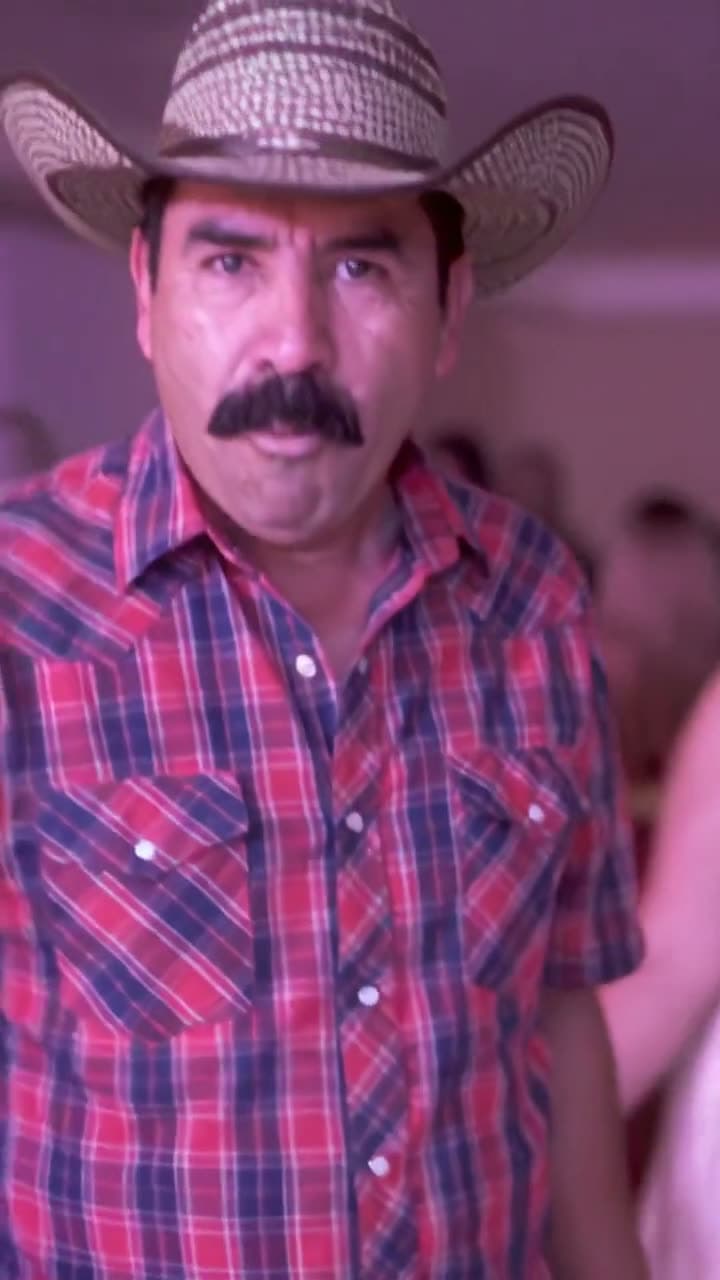
Bby Wow Guy
Side-step through the quince, bite the pan dulce, stare into the camera, dance off.
Use effect → - Duo16 s20 credits
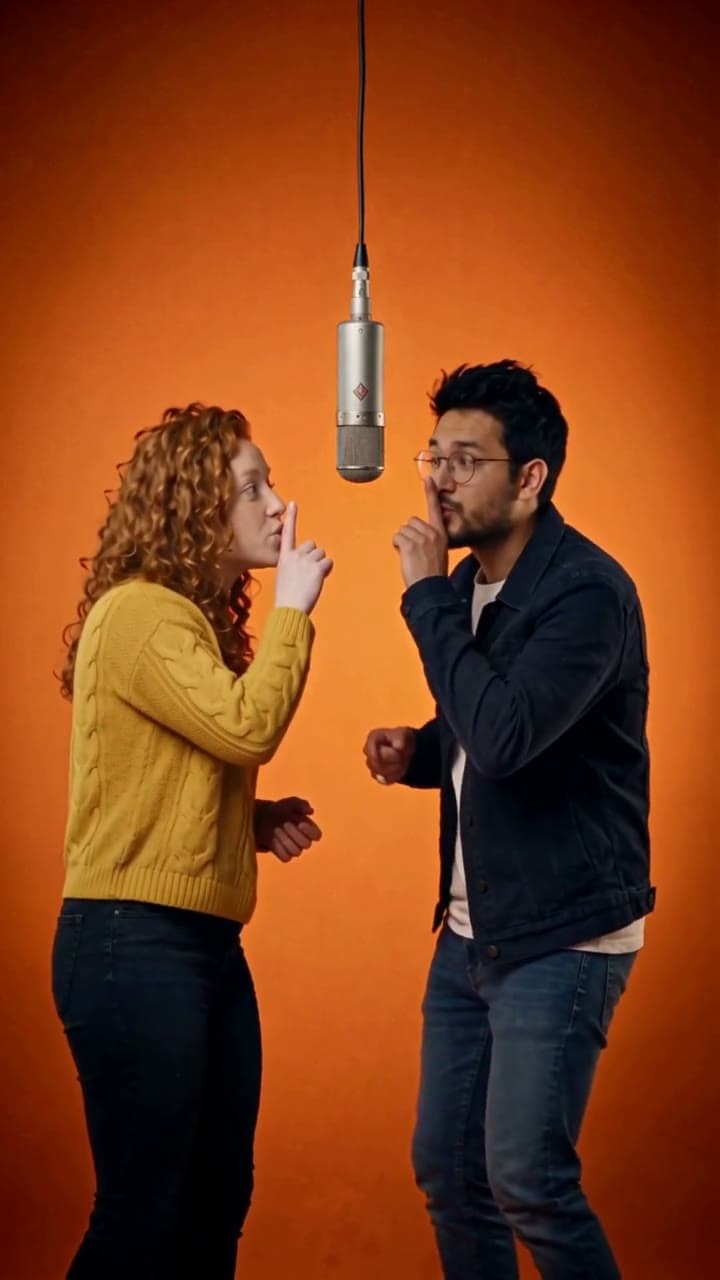
Hotel Lobby
Two of you in the orange booth: one raps at the hanging mic, one hypes.
Use effect → - NewDuo15 s10 credits
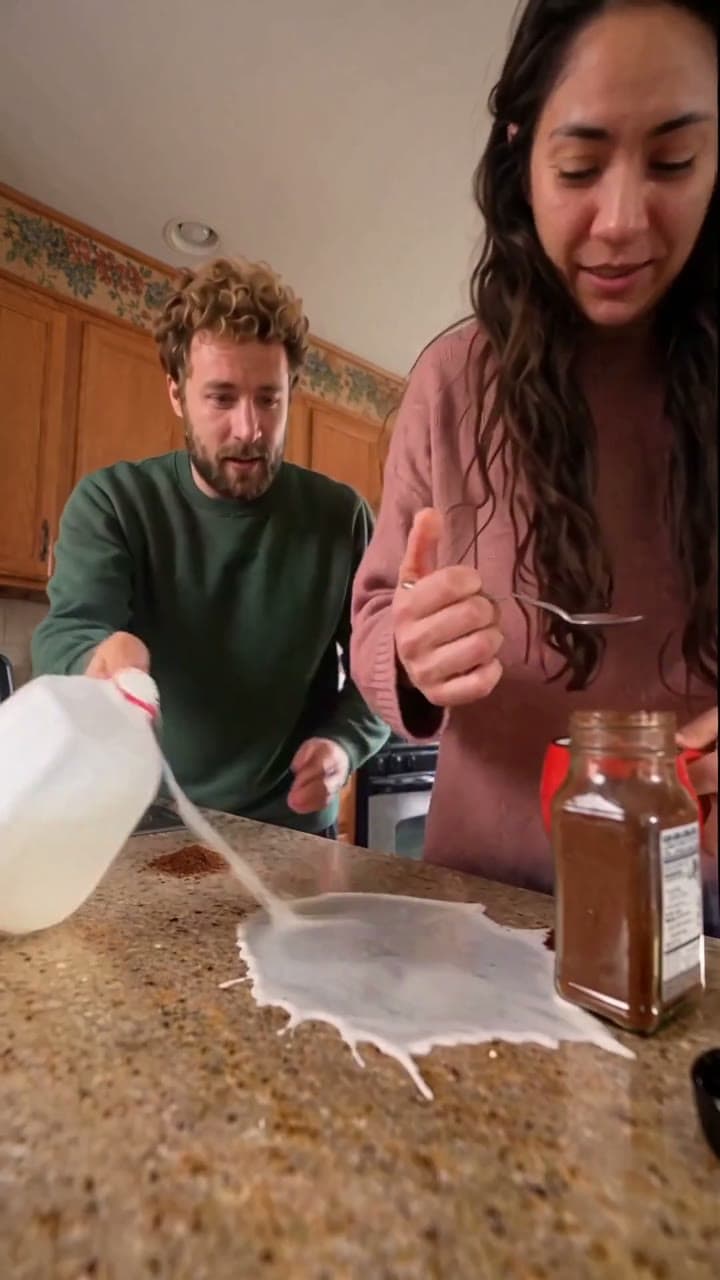
Coffee Fail
Two of you behind a kitchen counter, getting coffee everywhere except the mug.
Use effect → - NewDuo15 s10 credits
Oh You Can Make It Cap
Two of you in a white studio: the wave-off, the turn with the red bag, the giggles.
Use effect → - NewTrio19 s10 credits
Gangnam Style
Three of you in sunglasses on a night rooftop, each taking a turn at the camera.
Use effect → - NewBand · 1–519 s20 credits
Tiny Desk
Lead a desk concert and laugh through the close-up while a session band plays.
Use effect → - 9 s10 credits
Check One Check Two
Shove up to the lens on a busy night street and spit the grime mic check.
Use effect → - 15 s10 credits
Money Spread
Show off a brick of cash, let the bills rain, fan the stack across your face.
Use effect → - 15 s10 credits
Crazy Frog
Ride an invisible motorbike down a sci-fi highway with a hover cop on your tail.
Use effect → - 21 s10 credits
Fergie Baby
Push through the park gate and rap every bar at the camera under autumn trees.
Use effect →
Who are you putting in the trend?
The pull of a trend video is the person nobody expects in it. Start from who's in your photo.
Your dad
He'll never learn the dance. He doesn't have to.
You and your partner
Two photos, one couple's video, no tripod.
The group chat
Three friends or a whole band, one photo each.
Just you
The stunt, the flex or the mic check, without the take after take.
Your cats
Two cats at the mic, rapping and hyping.
From photo to post in three taps
- 1
Choose a trend
Browse effects people are posting this week. Each one shows real results, so you know exactly what comes back.
- 2
Add a photo
One clear photo of one person: a selfie, a holiday snap, a picture of your uncle at the barbecue. Duo effects take two. No account for a single video.
- 3
Post it
Usually ready in about 10–20 minutes, always within the hour. Download the HD MP4, add the trend sound in the app, and post.
No dancing, no filming, no editing
The usual ways to join a trend need the people there, on camera, doing the moves. Here a photo is enough.
| Film it yourself | Edit a template | Make Viral Video | |
|---|---|---|---|
| Who needs to be there | Everyone, on camera | Everyone, filmed for the clips | Nobody: one photo each |
| Learn the moves or lines | Yes | Yes | No |
| Editing | Cuts and timing by hand | Drop clips into slots | None, it comes finished |
| Time | An afternoon of takes | About an hour | About 10–20 minutes |
| Cost | Free | Free or a paid plan | From $9.99, one-time |
Credits that work on every effect
Buy once, no subscription. Most videos take 10 credits (Hotel Lobby and Tiny Desk: 20). Credits stay valid for 2 years, and if a video fails its credits come straight back.
- One-time payment · No subscription
- Credits work on every effect · credits stay valid for 2 years
- Failed generations automatically return your credit
- No watermark
What is Make Viral Video
Make Viral Video (makeviralvideo.com) is an AI video effects studio for viral TikTok trends. Choose an effect (Basketball Middle Finger, 8 s; Bby Wow Guy, 9 s; Hotel Lobby, 16 s; Coffee Fail, 15 s; Oh You Can Make It Cap, 15 s; Gangnam Style, 19 s; Tiny Desk, 19 s; Check One Check Two, 9 s; Money Spread, 15 s; Crazy Frog, 15 s; Fergie Baby, 21 s), upload one photo of a person (one per person for a duo, trio or band), and download the finished HD MP4 with them in it, without a watermark. From $9.99, one-time payment, no account needed for a single video.
Good questions
What is Make Viral Video?
An AI video effects studio in your browser. Each effect is a viral trend — Basketball Middle Finger, Bby Wow Guy, Hotel Lobby, Coffee Fail, Oh You Can Make It Cap, Gangnam Style, Tiny Desk, Check One Check Two, Money Spread, Crazy Frog and Fergie Baby — and you choose who stars in it: upload one photo of a person (two for a duo) and get the finished video back. Nothing to install, no prompts to write, and a single video needs no account.
Which photos work best?
A clear photo of one person looking at the camera, in even light. Waist-up or full-length shots carry the outfit through; a selfie is fine. Skip group shots, sunglasses, masks and beauty filters.
How long does a video take?
Usually ready in about 10–20 minutes, always within the hour. You don't have to wait on the page: we email the link as soon as it's done.
Is it free? What does it cost?
There's no free tier. Most videos take 10 credits (Hotel Lobby and Tiny Desk take 20): one video is $9.99, 30 credits are $19.99 and 100 are $49.99. You pay once — no subscription. Credits work on every effect, last 2 years from your latest purchase, and a video that fails gives its credits back automatically.
Does the video come with the song?
No. You get a silent HD MP4 with no watermark, so you can add the trend sound inside TikTok or Reels and nothing gets muted for copyright. Each effect page tells you which sound to search for and where its beat lands.
What if my video doesn't look right?
Press "Needs work" on the result page and say what's wrong. A person on our team reads it and answers by email. If a video can't be made at all, its credits are returned without you asking.
Can I make a video of someone else?
Yes, with their OK. Surprising a friend is half the fun, but never use a stranger's or a celebrity's photo, and never pass the video off as real footage.
Do I need to dance or film anything?
No. You never film, learn a move or edit. Upload one clear photo of each person and you get the whole trend back with them in it, move for move.
How is this different from a CapCut template?
A template still needs footage of the people doing the trend; you film the clips and drop them in. Here you only upload a photo, and the finished video comes back with them performing it. Templates are free; a video here is $9.99 one-time.
Is it safe? What happens to my photo?
Your photo is used for one thing: making your video. It is never used to identify anyone, never sold and never used to train models. Uploads and finished videos are deleted automatically after 30 days, or sooner if you email support. Payment runs through a secure checkout, so your card never touches our servers. One video needs no account; credits you keep for later live in a password-free account (an emailed code or Google).
Can I use a photo of a child?
No. Photos of anyone under 18 are not allowed. Use a photo of yourself or of an adult who agreed to it.
Can I post it on TikTok, Instagram Reels or YouTube Shorts?
Yes. The video is yours to post on personal and social accounts, as long as you have the rights to the photo and the person in it agreed. Mark it as AI-generated and don't present it as real. Brand and business accounts should use licensed audio, such as TikTok's Commercial Music Library.
How do I make my video go viral?
Post while the trend is still rising, put someone unexpected in it (with their OK), add the trend's original sound inside TikTok or Reels, keep the first second, and caption it with the trend's name and hashtags. Nobody can guarantee views, but those give it the best shot.
How long can I download my video?
30 days. The email with your link arrives when the video is ready; save the MP4 from it, because finished videos are deleted automatically after 30 days.
Your photo. This week's trend.
Pick an effect, add one photo and get the video in minutes.
Browse effects